Loading…
PDF Guides & Tips
Step-by-step guides, expert tips and workflows to help you master PDF tools.
All Articles
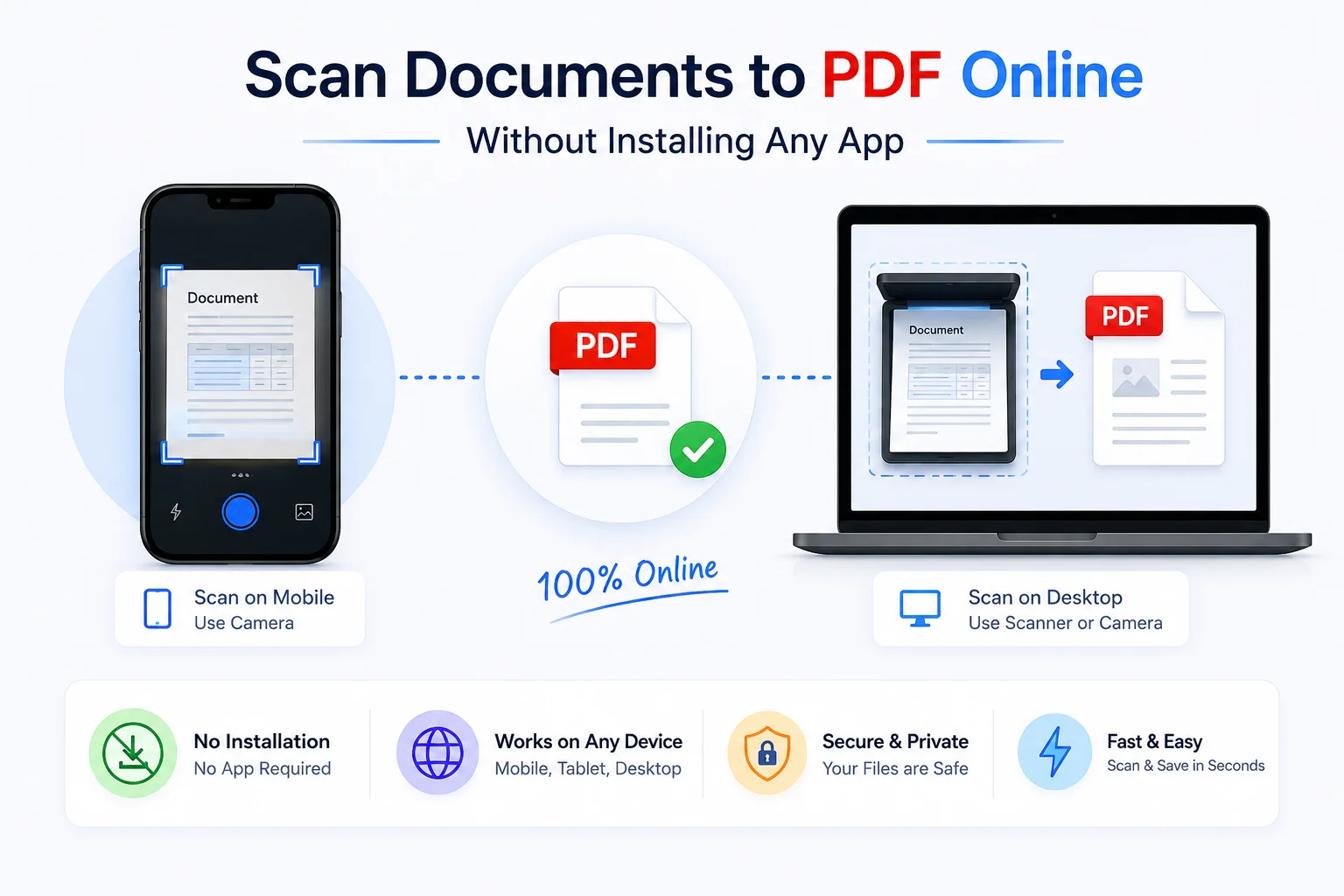
How to
Scan Documents to PDF Online Without Installing Any App
CamScanner, Adobe Scan, Microsoft Lens - all require an app install. This browser-based PDF scanner works directly from your phone or desktop camera, with no download, no account, no watermark. Paper to PDF in under two minutes.
Priya Kapoor11 min read
Guides
Stop Uploading Sensitive PDFs Online - Process Them Privately in Your Browser
Adobe costs $239 a year. Smallpdf throttles you at 2 files per hour. ILovePDF requires a sign-up for anything useful. PDFCrush does everything in your browser - compress, OCR, scan, extract, sign - with no account, no upload, no watermark, no limit. Here is why it works.
Ankit S.15 min read
Comparisons
Best Free PDF Tools in 2026 - Full Comparison
A side-by-side comparison of the best free PDF tools in 2026 - PDFCrush vs Smallpdf, iLovePDF, Adobe Acrobat, and the top browser-based editors. What each tool actually does, where each one limits you, and which one fits your workflow.
Ankit S.15 min read
How to
Best Free PDF Tools for Students in 2026
From merging scattered assignment files to compressing a resume before a portal deadline - here are the free PDF tools every student actually needs in 2026, with specific workflows for each.
Aditya Nair14 min read
How to
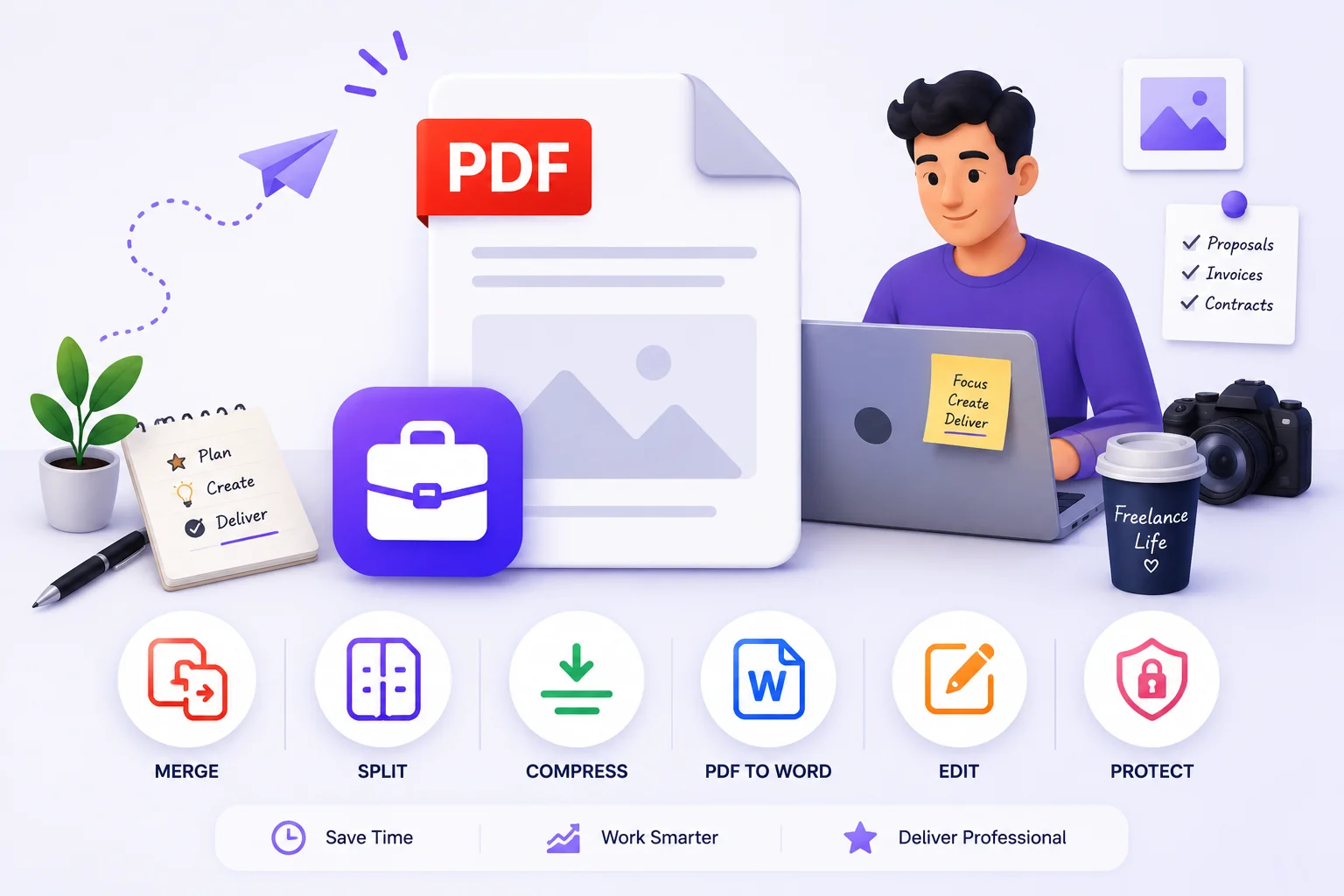
Best PDF Tools for Freelancers in 2026
From sending a polished proposal to compressing a 40 MB Figma export before emailing it - here are the PDF tools and workflows every freelancer actually uses, with step-by-step guides for each.
Aditya Nair16 min read
Troubleshooting
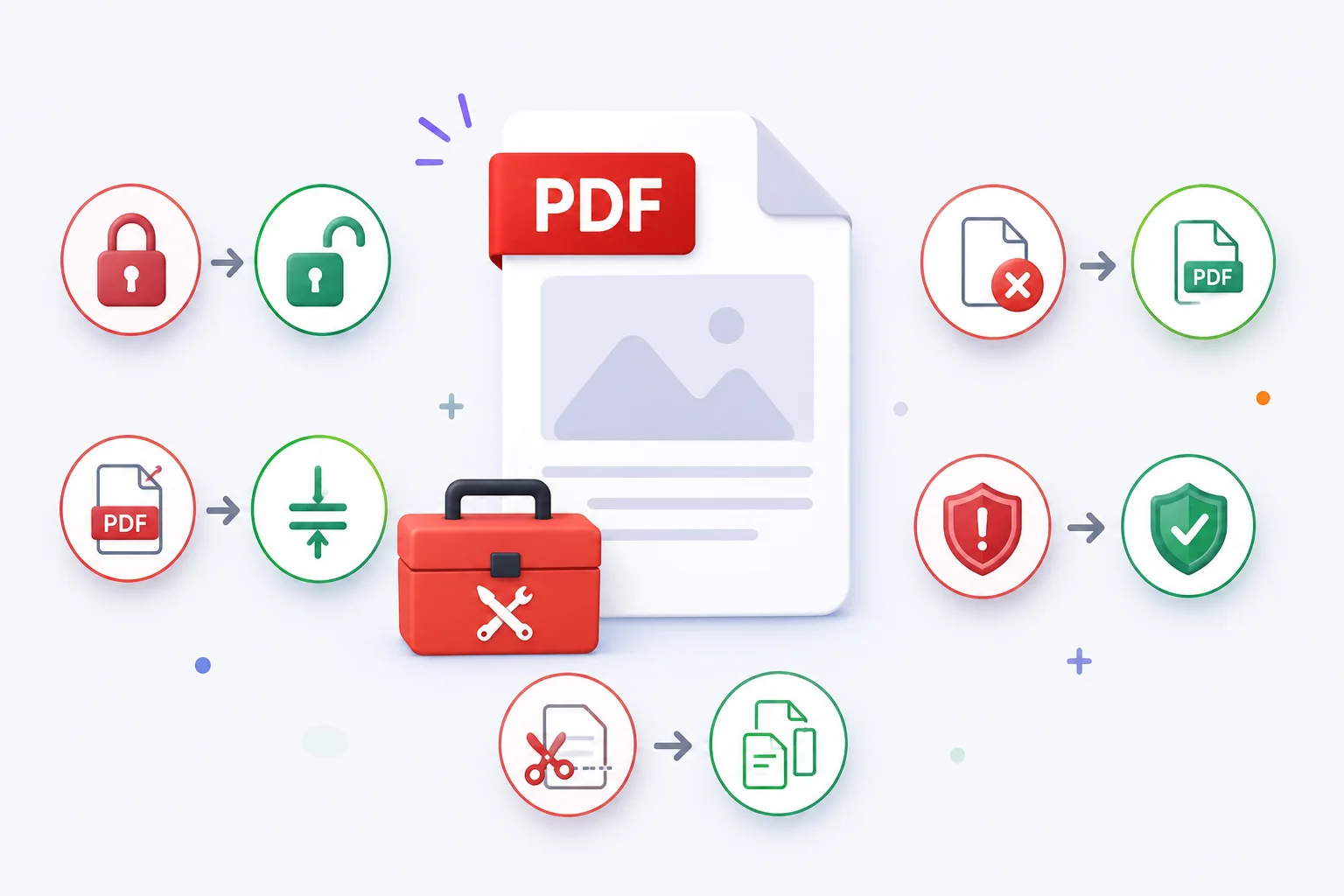
Common PDF Problems and How to Fix Them
PDFs seem simple until they break. File too large, email rejected, formatting scrambled, portal won't accept it, prints with the wrong colours. Here are the real causes behind the most common PDF problems - and practical fixes for each.
Aditya Nair16 min read
How to
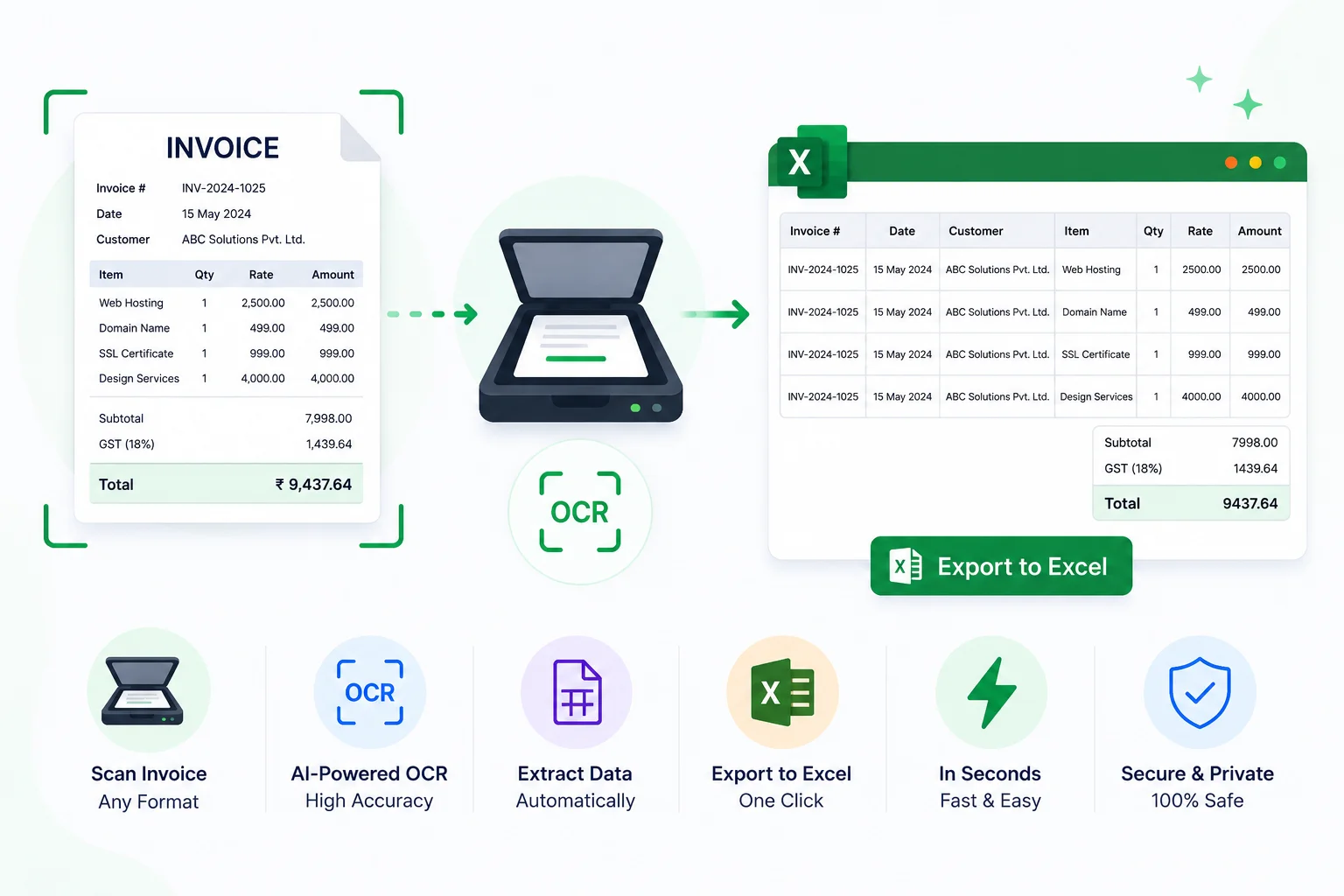
Free Invoice OCR - Scan Invoices and Export to Excel
Typing invoice data from PDFs into spreadsheets is slow, error-prone, and entirely avoidable. Here's how to extract vendor details, line items, and totals from any invoice PDF automatically - free, in your browser, no software needed.
Priya Kapoor11 min read
How to
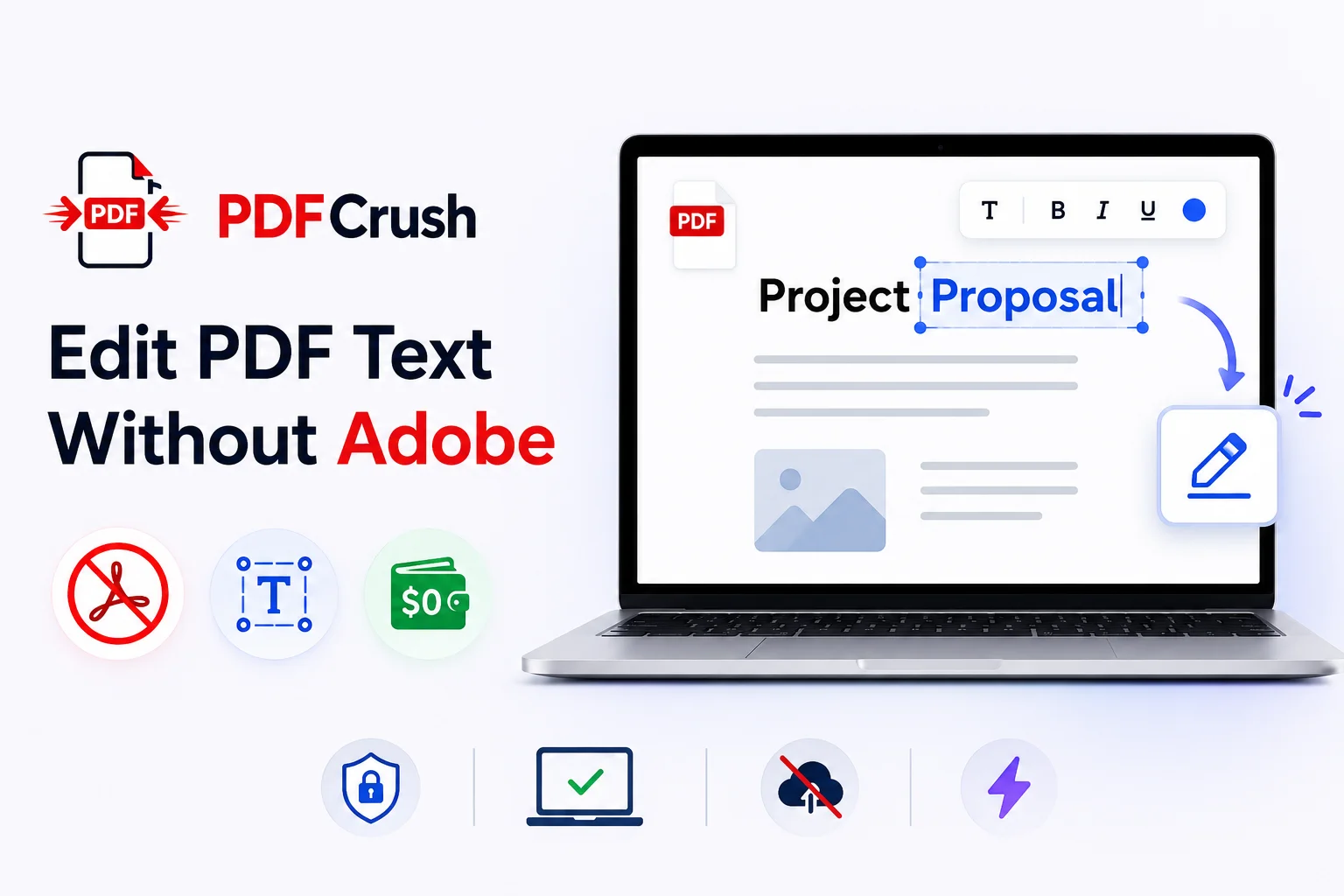
How to Edit PDF Without Adobe Acrobat - Free Online Tools That Actually Work
Adobe Acrobat Pro costs $239 a year. For most people - freelancers, students, remote workers - that's a subscription for a tool they need once a week. Here's how to do everything Acrobat does, for free, in a browser.
Aditya Nair13 min read
Security & Privacy
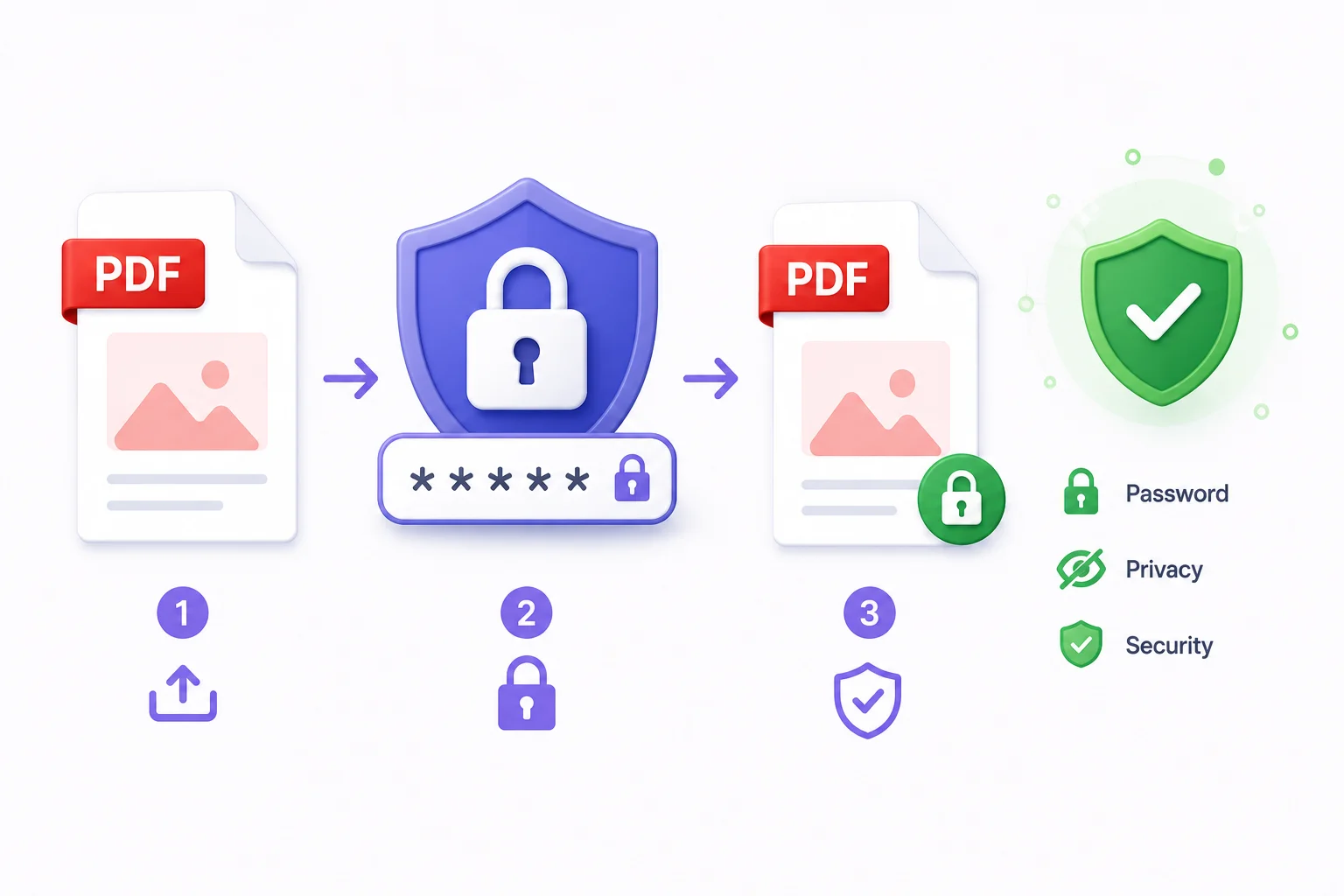
How to Protect PDF Files Online - Password, Privacy & Security Guide
Sending a contract, payslip or NDA as a plain unprotected PDF is the digital equivalent of posting it through someone's letterbox unsealed. Here's how to protect any PDF with a password in under 60 seconds - and when you actually need to.
Ankit S.20 min read